agented.now
LinkedIn content automation for ChatGPT

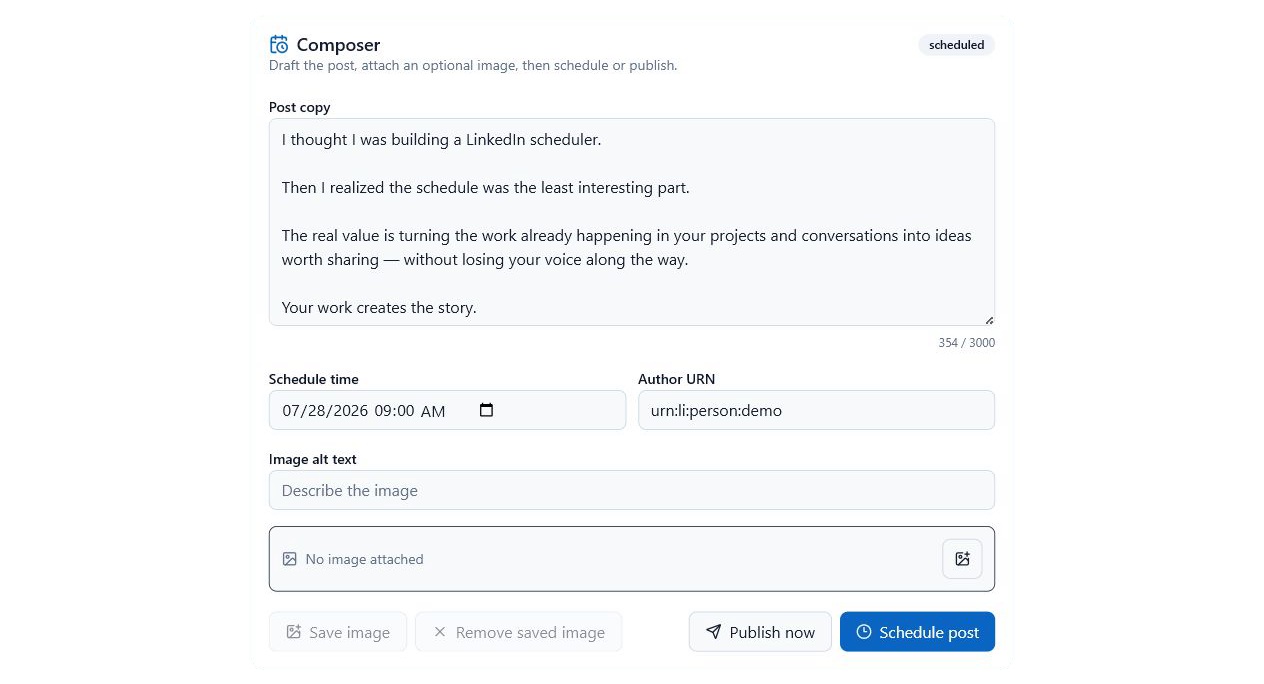
Turn rough ideas into ready-to-post LinkedIn content in ChatGPT.

Create your LinkedIn content with ChatGPT, then schedule it. Preview, edit, and manage your whole queue from the same conversation — with human approval before anything goes live.

  1. Create content
  2. Schedule it
  3. Preview Edit Calendar List
See the workflow

  • Draft from rough notes
  • Preview before publish
  • Human approval built in
  • Calendar & queue control
Live in ChatGPT
Get started

Set up in ChatGPT in about two minutes.

Watch the quick setup, copy the MCP server URL into ChatGPT’s Developer mode, and schedule your first approved post.

Follow along, or copy the URL on the right and let ChatGPT guide you through the rest.

Inside the app

See the workflow inside ChatGPT.

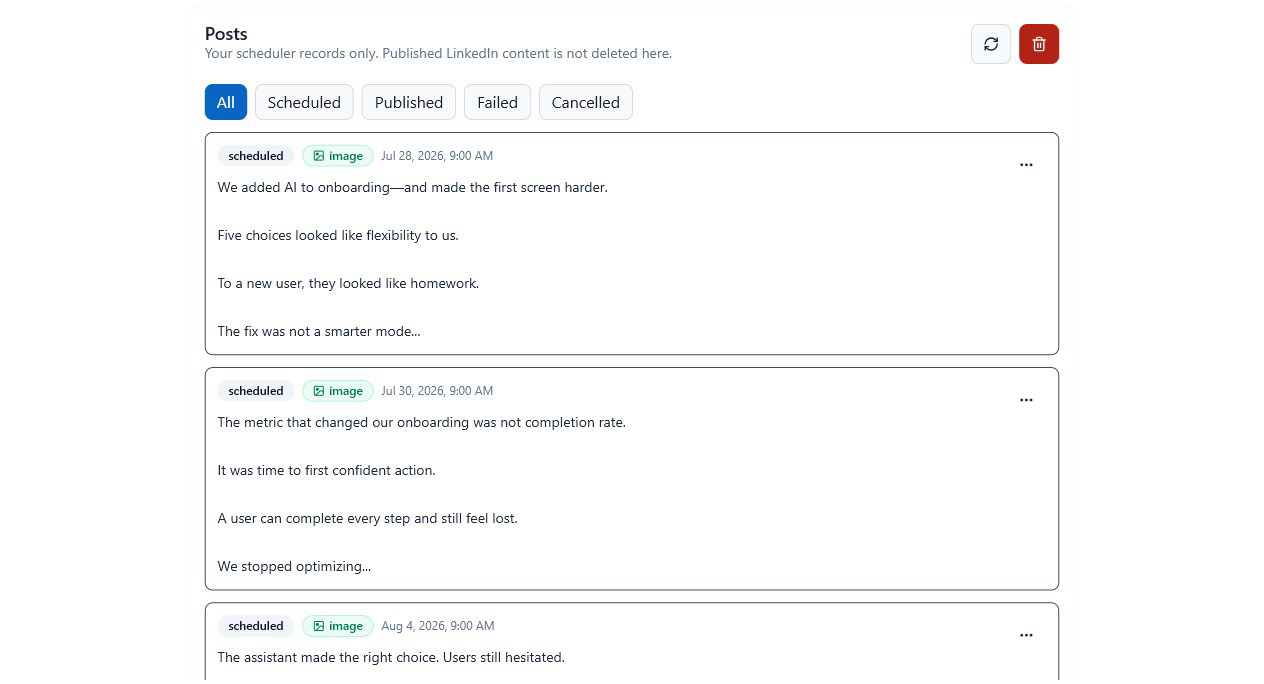
Move from content idea to approved post without switching into a separate publishing dashboard.

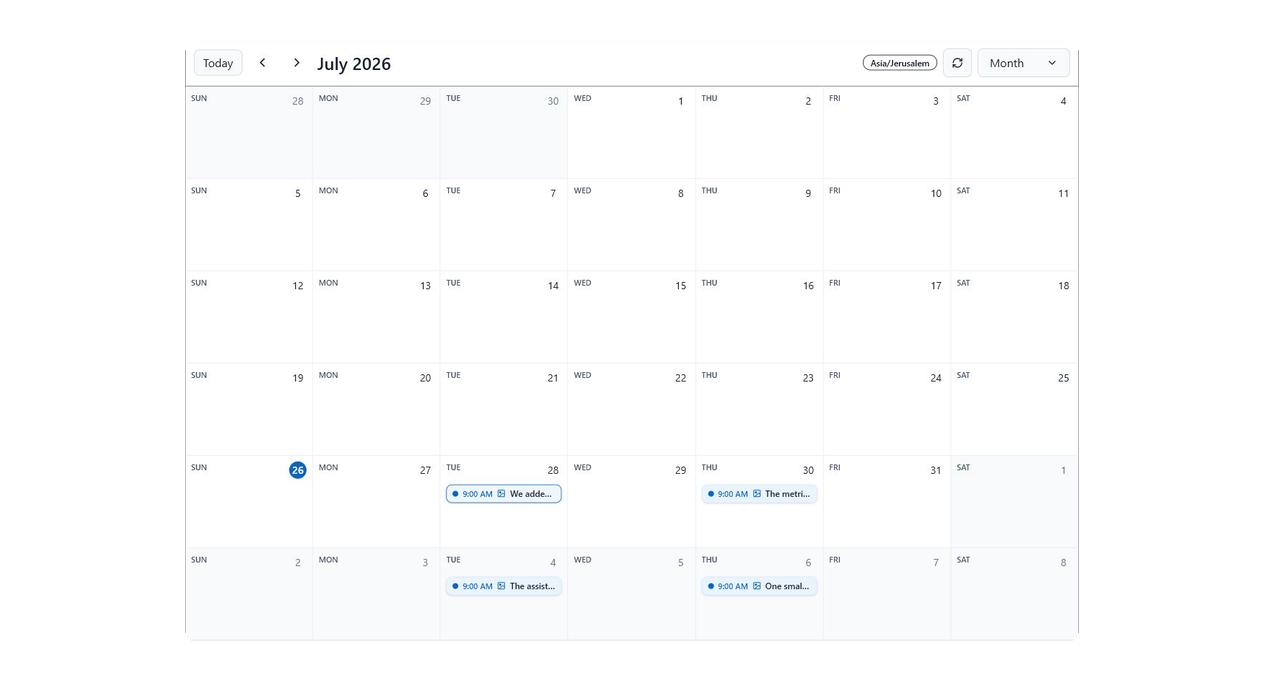
ChatGPT prompt for opening the Agented Scheduler scheduled posts calendar
How it works

From rough idea to scheduled post.

Keep the workflow close to where your thinking already happens. Draft in ChatGPT, inspect the post, choose a time, and manage the queue from the same conversation.

Draft where ideas start

Turn a note, rough take, or voice brief into LinkedIn copy without moving to another tool.

Preview before publishing

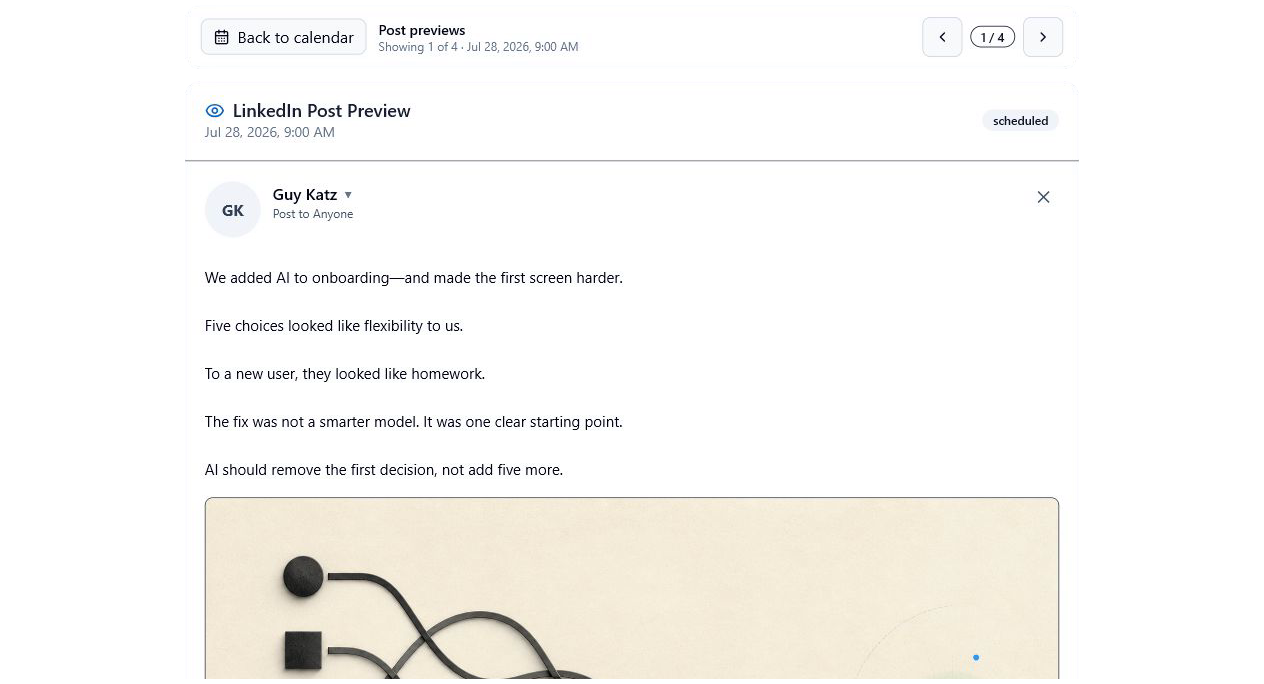
Review the post in a LinkedIn-style view before scheduling or sending it.

Schedule by conversation

Ask for tomorrow morning, next week, or a calendar view and choose the right slot.

Manage the queue

List scheduled posts, edit drafts, cancel a post, or publish now when it is ready.

Safety & control

You approve before anything goes live.

Agented Scheduler is built for lightweight publishing, but it keeps the important checkpoints visible: authorization, preview, scheduling, and cancellation.

Human approval stays visible

Preview and confirm posts before they are scheduled or published.

LinkedIn connects on first use

The setup flow opens LinkedIn sign-in when it is time to authorize your account.

Calendar and list views

See upcoming posts as a calendar or queue, so scheduled content stays easy to inspect.

Designed for focused teams

A calm workflow for people who need publishing momentum, not another social command center.

Questions

Fast answers.

Do I need to tell ChatGPT the app name?

Yes. After installation, say Use Agented Scheduler when you want ChatGPT to call the scheduler.

When do I connect LinkedIn?

On first use. The setup flow opens LinkedIn sign-in when it is time to connect your account.

Can I preview before anything publishes?

Yes. You can review the post in a LinkedIn-style preview before scheduling or publishing.

Can I manage scheduled posts later?

Yes. Ask Agented Scheduler to show your queue, open the calendar, edit a post, cancel a scheduled post, or publish now.

Guides

Simple answers for scheduling from ChatGPT.

Short guides for installing the connector, planning posts, and building a lightweight LinkedIn workflow.

Schedule your first LinkedIn post from ChatGPT.

Copy the MCP server URL, paste it into ChatGPT, and go from a rough idea to an approved, scheduled post.

View setup steps